

In today’s complex operational environment, government agencies face the challenge of managing vast amounts of data across multiple platforms. The lack of a unified system can lead to fragmented information, delayed decision-making, and reduced operational effectiveness. Implementing a Common Operating Picture (COP) is essential for enhancing situational awareness and facilitating seamless interagency collaboration.
What Is a Common Operating Picture?
A Common Operating Picture is a standardized information display that offers real-time insights into an incident as it develops. It compiles data from various sources, including integrated communication, information management, and intelligence sharing systems.
A COP integrates data from miscellaneous sources, which provides stakeholders with a consolidated view that allows them to respond to emergencies quickly and effectively. This unified approach ensures that all stakeholders have access to the same real-time data, reducing discrepancies and enhancing coordination.
The Benefits of a Common Operating Picture for Government
For federal, state, tribal, and local governments, a common operating picture allows you to save time and effort while simultaneously bolstering your ability to protect people, property, and your institutional reputation. Benefits of COPs include:
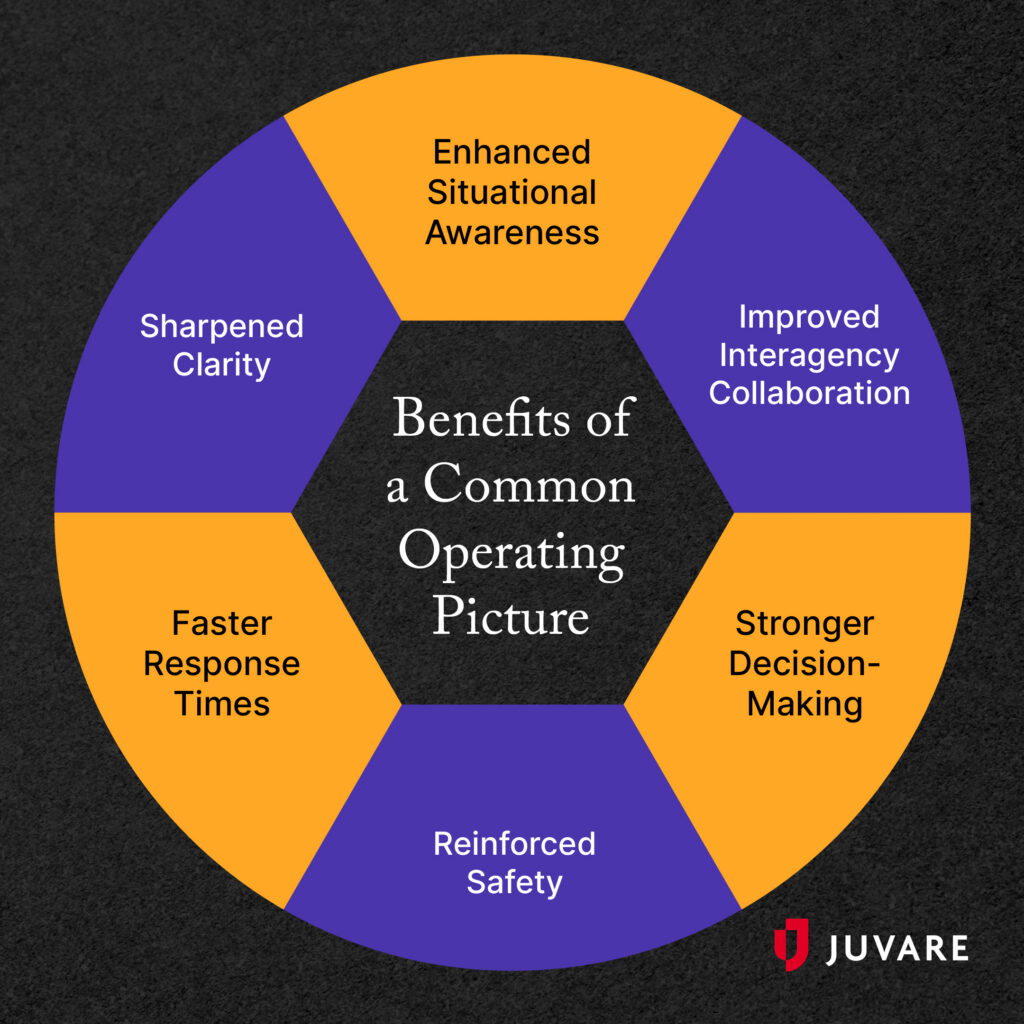
- Enhanced Situational Awareness: By visualizing data within a single platform, agencies can quickly assess situations and respond appropriately.
- Improved Interagency Collaboration: A shared COP fosters better communication and coordination among different government entities.
- Stronger Decision-Making: Access to real-time, accurate information enables teams to make quicker and more effective decisions.
- Reinforced Safety: With continuously updated insights into rapidly evolving crisis situations, you can take decisive action that saves lives.
- Faster Response Times: A COP eliminates the time spent sharing data back and forth between agencies and streamlines operations, allowing for a rapid response when it matters most.
- Sharpened Clarity: When presented on a consolidated visual dashboard, complex information becomes easier to understand.

How to Establish a Common Operating Picture
Creating a COP requires the right technology, but a tool alone isn’t enough to develop a common operating picture that truly revolutionizes situational awareness. Your agency must go into the selection process with clarity regarding what your unique goals and needs are, and once you’ve implemented your technology, you must use it correctly.
To set your agency up for success, follow these steps:
1. Define your objectives.
Before selecting your COP software, take the time to map out exactly what you want your common operating picture to achieve. Are you primarily looking to coordinate multi-jurisdictional disaster responses, monitor critical public infrastructure, or streamline resource allocation during state or federal emergencies? By pinpointing your agency’s most critical use cases, you avoid getting distracted by flashy features that don’t serve your core mission.
Then, outline measurable goals for the implementation. Whether your objective is to reduce multi-agency deployment times by a specific margin or to successfully integrate disparate departmental intelligence feeds into a unified dashboard, having clear targets will guide your procurement process and provide a benchmark for taxpayer ROI.
2. Identify data requirements.
A COP is only as valuable as the information flowing into it. To build an accurate, real-time view of your operations, you must identify which data streams are essential for your personnel. These information sources often include Computer-Aided Dispatch (CAD) data, Automatic Vehicle Location (AVL) feeds, traffic and security cameras, weather sensors, and drone video feeds.
3. Select the right software.
Armed with clear objectives and defined data requirements, you can now efficiently evaluate potential technology partners. Look for a government management software that offers a common operating picture across all spheres: land, air, sea, space, and cyber. The best platforms offer low- or no-code workflow builders that allow you to easily configure data intake to match your organization’s particular needs.
Additionally, prioritize interoperability and scalability. Your platform should seamlessly integrate data from your existing legacy systems and grow alongside your agency, whether that means adding new users, expanding cloud storage, or integrating future technologies.
4. Establish access permissions.
Once your COP is up and running, it is crucial to manage who can see and interact with specific datasets. Implementing Role-Based Access Control (RBAC) ensures that individuals only have access to the information necessary for their specific duties and clearance levels.
RBAC not only protects sensitive operational data and maintains compliance with privacy regulations but also ensures users don’t become overwhelmed with superfluous information. By tailoring the dashboard view to the user’s rank, role, or department, you empower your team to focus solely on the intelligence that impacts their immediate decision-making.
5. Maintain data cleanliness.
Your COP provides real-time, accurate data that boosts situational awareness. As with any data management software, it requires ongoing maintenance to remain a trusted resource. Users must regularly manage, update, and verify data inputs to maintain data hygiene.
Establish strict data governance policies to ensure continuous accuracy. This process involves scheduling regular system audits, archiving historical data that is no longer operationally relevant, and promptly addressing any integration errors or broken data feeds. A well-maintained system guarantees that your COP remains a highly reliable single source of truth.
Juvare’s Unified Command Platform: A Real-Time COP for Agencies
To address the need for a comprehensive COP, Juvare has developed the Unified Command Platform (UCP), a FedRAMP High authorized solution designed exclusively for U.S. federal and defense agencies. UCP offers a secure, scalable, and flexible platform that enhances operational efficiency and situational awareness.
Key features of UCP include:
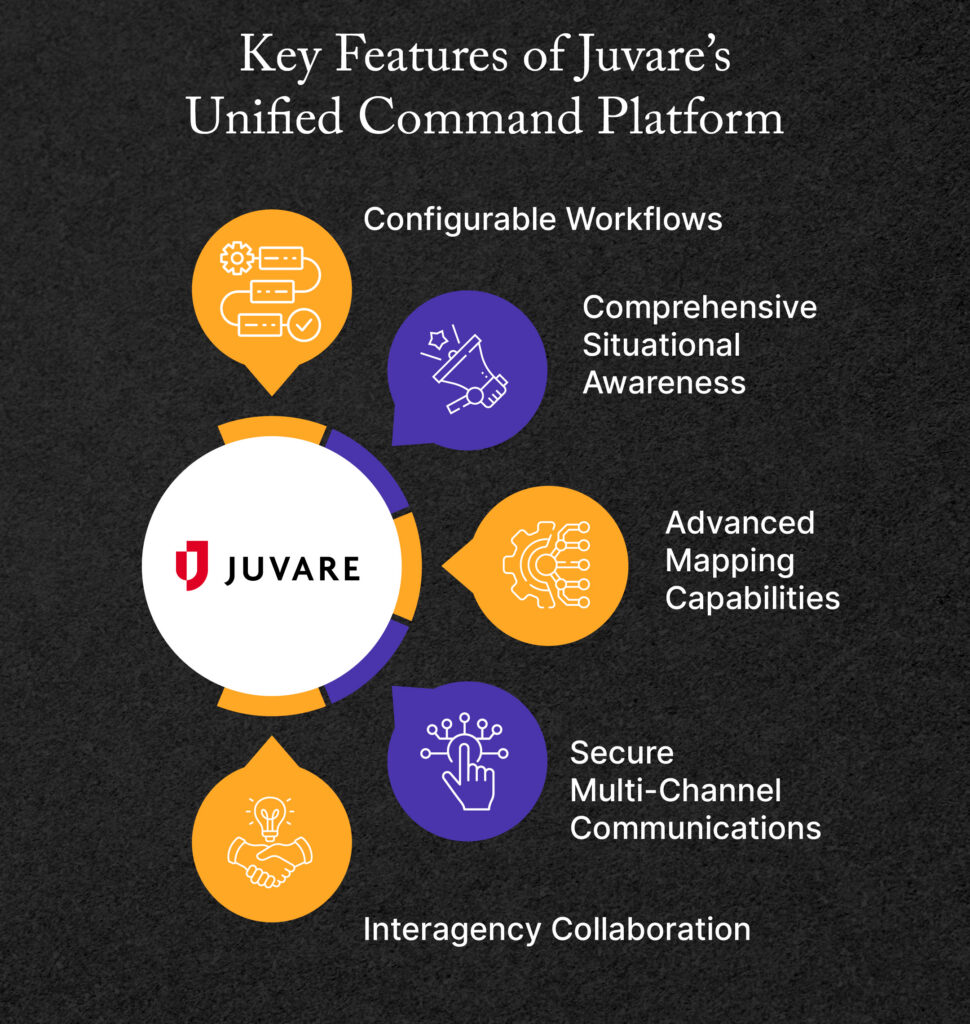
- Configurable Workflows: UCP provides low-code and no-code customizable workflows for both routine and critical tasks, allowing agencies to adapt the platform to their specific needs.
- Comprehensive Situational Awareness: Gain total control across every domain: land, air, sea, space, and cyber.
- Advanced Mapping Capabilities: With real-time data visualization, agencies can monitor events as they unfold, facilitating timely responses.
- Secure Multi-Channel Communications: UCP enables targeted notifications through various channels, ensuring that critical information reaches the right personnel promptly.
- Interagency Collaboration: The platform supports secure data sharing and collaboration across different agencies, promoting a unified approach to operations.
By implementing UCP, federal agencies can develop a cohesive COP that not only improves daily operations but also strengthens preparedness for emergencies. The platform’s ability to aggregate and visualize data in real time ensures that decision-makers have the information they need to act swiftly and effectively.

Additional Resources
To learn more about how your agency can better prepare for and respond to emergencies, check out these resources:
- Continuity of Operations (COOP) Planning: The Ultimate Guide: Continuity of Operations planning is a regulatory requirement for government agencies. Discover how to create an effective COOP plan in this guide.
- The Ultimate Guide to Creating an Emergency Response Plan: Having an emergency response plan in place allows your organization to react quickly and effectively. Learn how to create and implement a plan in this guide.
- How to Build Cyber Resilience to Ensure Continuity: Building cyber resilience is integral to your organization’s continuity. Explore the essentials of cyber resilience to prevent and respond to cyberattacks.