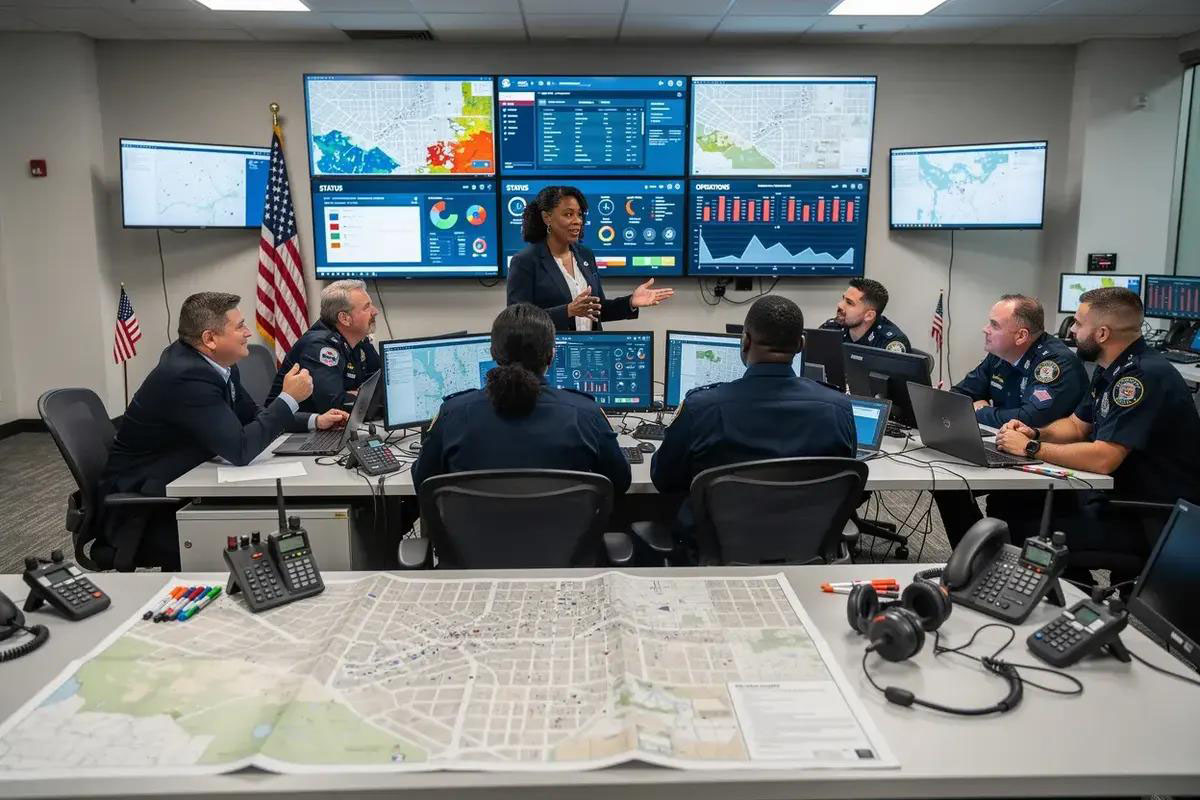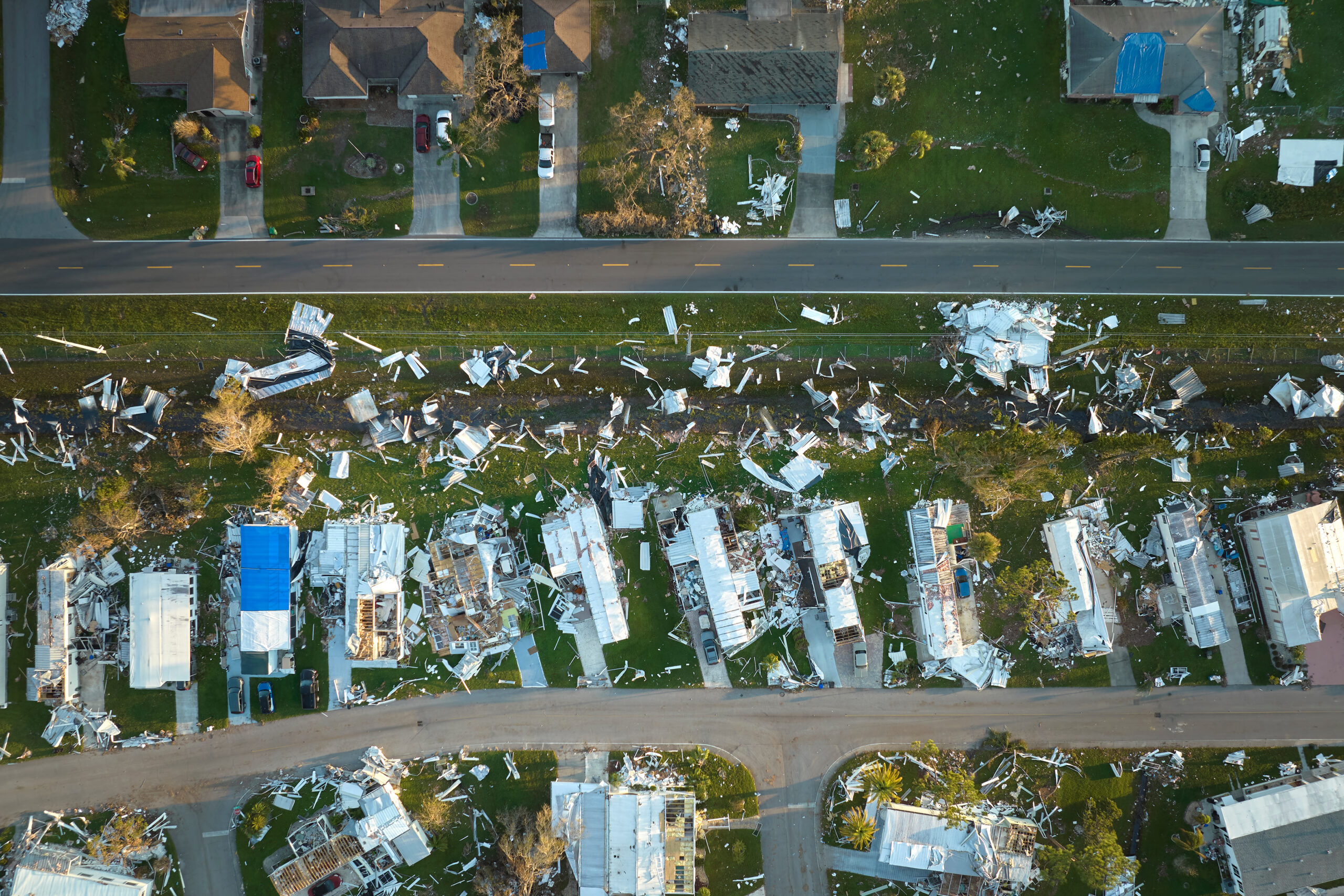
Every organization has a plan for something somewhere: a shared drive folder, a slide deck from last year’s tabletop exercise. It’s much harder to have a plan that truly activates when a vendor outage, cyberattack, or severe weather event hits mid-shift. That gap is where business continuity planning either earns its keep or quietly fails.
What Is a Business Continuity Plan?
A business continuity plan (BCP) is a documented strategy that defines how an organization keeps critical functions running and recovers quickly when a disruption occurs. It typically covers the risks an organization faces, the business processes those risks threaten, and the specific steps, roles, and resources needed to keep operating or resume operating within an acceptable window of time.
BCPs apply to any organization with revenue, services, or commitments to protect: corporations, healthcare systems, utilities, and public-sector agencies alike. The scope shifts by sector (for example, a manufacturer’s plan centers on production and supply chains, while a public agency’s plan may focus on maintaining essential services and funding continuity) but the underlying structure is the same.
The Importance of a Business Continuity Plan for Ongoing Operations
Downtime is expensive. In a 2025 global executive survey, every single respondent said their company lost revenue to an IT outage in the past year, and roughly 90% of mid-sized and large enterprises reported losing more than $300,000 per hour of downtime.1 Recovery from incidents like cyberattacks now averages over seven months. The longer an outage runs, the more it costs in lost transactions, customer churn, and regulatory attention.
This pushes continuity planning up the priority list for most organizations. Between 2023 and 2024, 65.5% of organizations reported increased financial or resource support from their board for business continuity and resilience.2 Leadership wants proof that the business can take a hit and keep functioning (not a plan that only gets opened after the damage is done).
A business continuity plan matters because:
Without a BCP | With a BCP |
|---|---|
Response depends on who’s in the room and what they remember | Roles, priorities, and recovery steps are defined in advance |
Leadership pieces together impact from emails and phone calls | Leadership gets a documented, real-time view of status and recovery |
Recovery order is improvised during the event | Recovery is sequenced by business impact, not guesswork |
No consistent record for audits, insurance, or regulators | A documented trail supports compliance, auditing, insurance claims, and post-incident review |
How Do You Create a Business Continuity Plan?
“Plan” makes it sound like a single document. In practice, a working BCP is a set of connected components, usually performed in roughly the same sequence, regardless of industry or company size:
Conduct a risk assessment. Identify what could disrupt operations (such as cyberattacks, severe weather, vendor failure, or facility loss) and how likely and severe each risk is.
Complete a business impact analysis (BIA). For each critical process, determine what’s affected if it goes down, how fast it needs to recover, and what depends on it upstream and downstream.
Define recovery strategies and objectives. Set a recovery time objective (RTO) and recovery point objective (RPO) for each critical function, and document the specific steps to hit them.
Assign roles and responsibilities. Name a continuity team, assign ownership by role (not just by individual), and document who activates the plan and who executes each part of it.
Build a communication and activation plan. Define before an incident how the plan gets triggered, who needs to be notified, and through what channels.
Test, train, and maintain the plan. Run tabletop exercises and drills on a set schedule, document findings in an after-action review, and update the plan as vendors, systems, and processes change.
Skipping the last step is the most common failure point. A plan that isn’t tested or updated usually doesn’t hold up when circumstances call for it.
What Does an Example Business Continuity Plan Look Like?
Below is a simplified excerpt from a business continuity plan for a fictional mid-size manufacturing company. A real plan would include far more detail with full dependency maps, contact trees, vendor SLAs, but this shows the structure a completed BIA and recovery strategy section typically takes:
Business Function | Key Risk | Business Impact | RTO | Recovery Strategy | Plan Owner |
|---|---|---|---|---|---|
Order Processing System | Vendor cloud outage | Orders can’t be placed or fulfilled; direct revenue loss | 4 hours | Failover to backup order system; notify sales team via automated alert | IT Operations Lead |
Payroll Processing | Payroll vendor outage | Employees not paid on schedule; compliance risk | 24 hours | Manual payroll run using backup data export; HR notifies staff | HR Director |
Customer Support Line | Facility/network outage | Customers can’t reach support; reputational impact | 2 hours | Reroute calls to remote support team; activate chat-only mode | Customer Ops Manager |
Primary Manufacturing Facility | Severe weather / power loss | Production halts; delivery delays | 48 hours | Shift production to secondary facility; notify key accounts of delay | Plant Manager |
Each row in a real BCP is backed by a full BIA (dependencies, cost of downtime, staffing needs) and a documented runbook that walks the owner through the recovery steps in sequence. The plan is only as useful as how quickly someone can find the right row during an actual event which is the main reason so many BCPs stall during a real one and why ready-to-use workflows like WebEOC Nexus’ business continuity solution work better.

How Is a Business Continuity Plan Different from a Disaster Recovery Plan?
BCPs are often confused with two related plans that solve narrower problems.
Plan Type | Primary Focus | Typical Trigger | Common Owner |
|---|---|---|---|
Business Continuity Plan (BCP) | Keeping the whole organization operating including revenue, service delivery, customer commitments | Any disruption to critical business functions | Operations / Risk Management |
Disaster Recovery Plan (DRP) | Restoring specific IT systems, data, and infrastructure | Outages, data loss, cyber incidents | IT / Security |
Continuity of Operations Plan (COOP) | Sustaining essential government or mission-critical functions and services | Emergencies affecting public-sector operations | Government / Public Agency Leadership |
A DRP is usually one component nested inside a broader BCP, focused specifically on technology recovery. A COOP follows a similar structure to a BCP but is typically used by public-sector organizations to keep essential services and legally mandated functions running, rather than protecting revenue directly. Most mature organizations maintain some version of all three, cross-referenced rather than duplicated.
What Should a Business Continuity Planning Template Include?
A solid business continuity planning template gives you a consistent skeleton to fill in before you know exactly what your risks look like. At minimum, it should include:
- Purpose and scope. What the plan covers and which parts of the organization it applies to.
- Continuity team and roles. Who owns activation, who owns each recovery task, and backup owners for each role.
- Risk assessment summary. The risks considered and how they were prioritized.
- Business impact analysis: Critical functions, dependencies, and impact if each one is disrupted.
- Recovery strategies and objectives. RTO/RPO targets and the specific steps to hit them, function by function.
- Communication and activation plan. Triggers, notification lists, and channels for internal and external communication.
- Testing and maintenance schedule. How often the plan is exercised and reviewed, and who’s responsible for updates.
- Appendices. Vendor contacts, facility details, system inventories, and reference documents.
That structure works as a starting document. Where templates run into trouble is what happens after they’re filled out.
Why Do Static Templates Struggle During a Real Incident?
A completed template is a snapshot. It reflects the vendors, systems, and staff that existed the day someone filled it out, and it doesn’t update itself when any of those change. During an actual incident, someone still has to locate the document, interpret it correctly under pressure, and manually coordinate the response it describes. None of that happens automatically, and all of it takes time the organization doesn’t have.
This is where a growing number of organizations shift from a document-based template to business continuity software. BC software holds the same information as a template, but keeps it current and makes it actionable the moment it’s needed. WebEOC Nexus’s Plan Builder, for example, gives teams a reusable template structure for building continuity plans, but ties the resulting plan into live workflows instead of leaving it static in a shared drive. See how Plan Builder works inside WebEOC Nexus for Private organizations.
How Does Business Continuity Software Turn a Plan into an Operational Tool?
The components in a strong BCP—risk assessment, BIA, recovery strategies, roles, communication, testing—map directly onto the workflows a continuity platform like WebEOC Nexus is built around:
- Reusable BIA and risk assessment templates to publish, version, and route for approval instead of sitting in a spreadsheet.
- Dependency data that’s queried automatically so users can select an impacted system or vendor and immediately see every downstream process it touches.
- Facility and infrastructure status tracked in real time for power, network, generators, etc. (rather than confirmed via phone call).
- Runbooks and plan management that assign tasks to positions (not people), track completion in real time, and maintain version history automatically.
- Alerts and notifications to reach the right people across text, voice, email, Teams, Slack, or webhook integrations the moment a plan activates.
- After-action review to capture what worked and what didn’t, tied to a documented improvement plan.
- A low-code/no-code builder (DesignStudio) for teams that need to adapt or build new workflows without waiting on IT.
Juvare’s guide to building a long-term business continuity program walks through how each of these components fits into a maturing continuity program, independent of where an organization is starting from.
How Does WebEOC Nexus Make It Easier to Manage Business Continuity?
WebEOC Nexus is built to close the gap between a written plan and an operational one. It gives corporate and enterprise operations teams a common operating picture that ties risk assessment, BIA, facility status, vendor tracking, and after-action review together in one platform, instead of scattering them across departments, spreadsheets, and inboxes.
This same platform keeps plans current with live partner data (via Juvare Exchange), turns incident activity into plain-language insights for leadership and imports existing data easily (via JAI, Analyze, and WebEOC’s data manager), and pushes alerts to the right people the moment it activates. And with DesignStudio, admins can configure workflows and public-facing forms without vendor tickets or added cost.

For teams that want a structured walkthrough, Juvare’s free on-demand course on the Business Continuity Management Premium Board covers the objectives, key capabilities, and intended users of the board in detail.
FAQ
What is an example of a business continuity plan? A business continuity plan typically includes a business impact analysis identifying critical functions (like order processing or payroll), the risks that threaten them, a recovery time objective for each, and a documented recovery strategy assigned to a specific role or owner. See the sample table above for a simplified illustration.
What’s the difference between a business continuity plan and a disaster recovery plan? A business continuity plan covers how the whole organization keeps operating during a disruption. A disaster recovery plan is narrower, focusing specifically on restoring IT systems, data, and infrastructure, and is usually one component within a broader BCP.
What should a business continuity planning template include? At minimum: purpose and scope, continuity team roles, a risk assessment summary, a business impact analysis, recovery strategies with RTO/RPO targets, a communication and activation plan, and a testing and maintenance schedule.
How often should a business continuity plan be tested or updated? Most organizations test their BCP at least annually through tabletop exercises or drills, and update it whenever there’s a significant change to vendors, systems, staffing, or facilities rather than only on a fixed schedule.
Who is responsible for a business continuity plan? Ownership is typically shared: an operations, risk, or resilience team owns the overall plan and coordination, while individual department leads own the recovery steps and RTOs for their specific functions.
A business continuity plan only proves its value the moment it’s needed. That’s why teams like yours need purpose-built, practically actionable solutions they can rely on.
Sources
- The Business Continuity Institute. (2025, September 24). From Tick-Box to Practice: The State of Continuity & Resilience in 2025. https://www.thebci.org/news/from-tick-box-to-practice-the-state-of-continuity-resilience-in-2025.html
- Information Technology Intelligence Consulting (ITIC). (2024). ITIC 2024 Hourly Cost of Downtime Report. https://itic-corp.com/itic-2024-hourly-cost-of-downtime-report/
About Kaleb Brown
 Kaleb Brown is Juvare’s VP of Critical Infrastructure, working with corporations, international markets, and partners. Kaleb has more than 20 years of emergency management and international operational experience, including leading communications systems for the South Carolina Emergency Management Division, experience he now brings to helping organizations across the globe respond effectively when disruption hits. Kaleb holds a master’s certificate in Public Administration with a concentration in emergency management from Clemson University, a bachelor’s degree in Anthropology from The Ohio State University, FEMA’s Professional Development Series credential, and a Project Management Professional (PMP) certification.